Taktera for dental clinics
The exact rhythm of every visit
Booking, the chairside visit, an invoice with points and the dentist's pay — one chain with no manual recounting. For a single clinic and for a network.
- Browser, phone and a Windows app
- Runs on your servers or on the provider's servers
Product tour
The real Taktera screens
Chapters of the product tour. The screenshots are taken in the product on demo data; marks 1–3 point at what matters on the screen.
Chapter 1 of 8
Dental chart and treatment plan
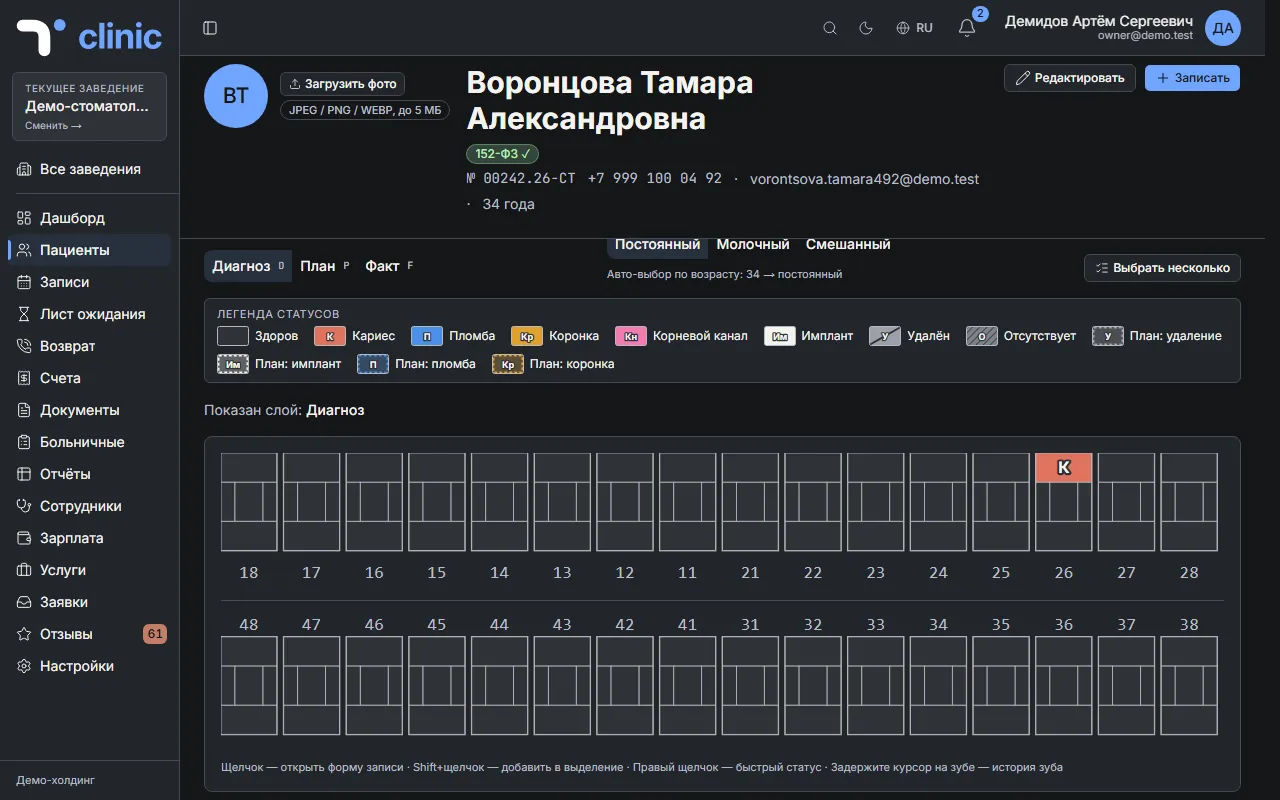
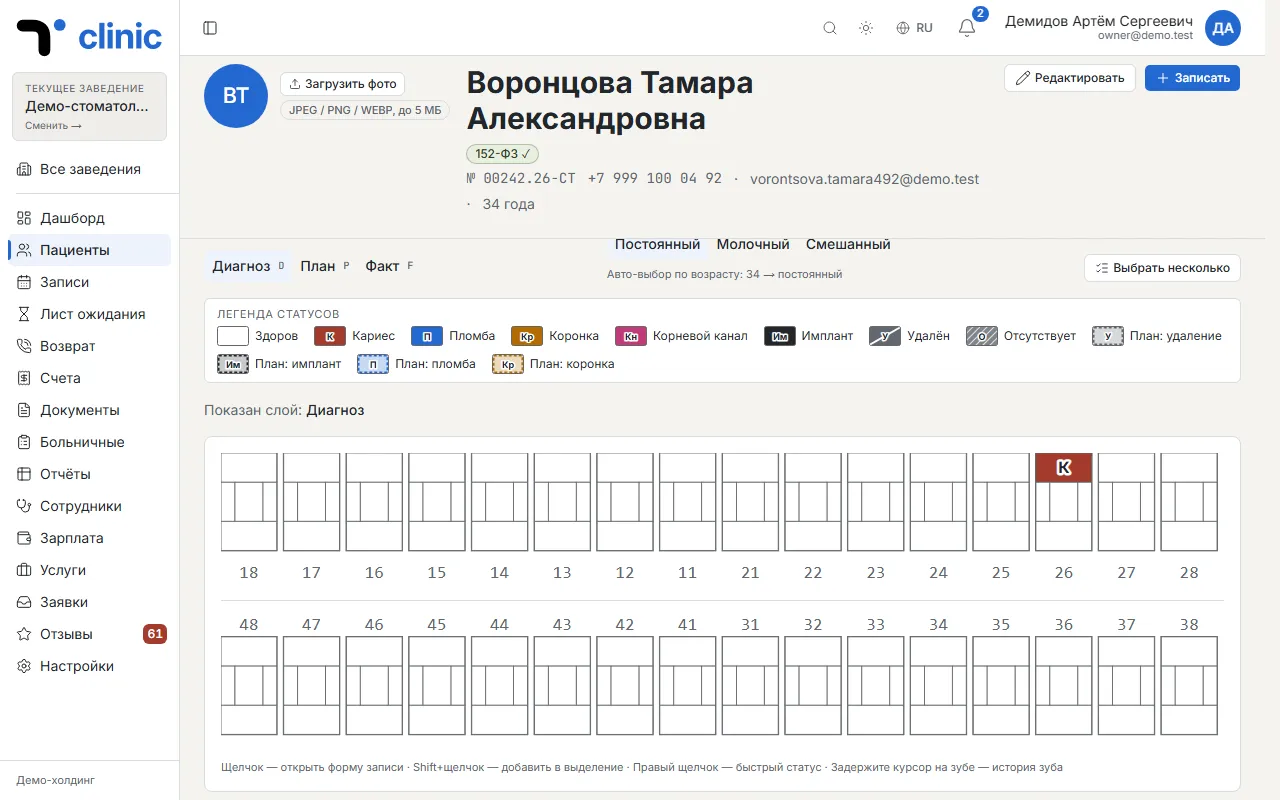
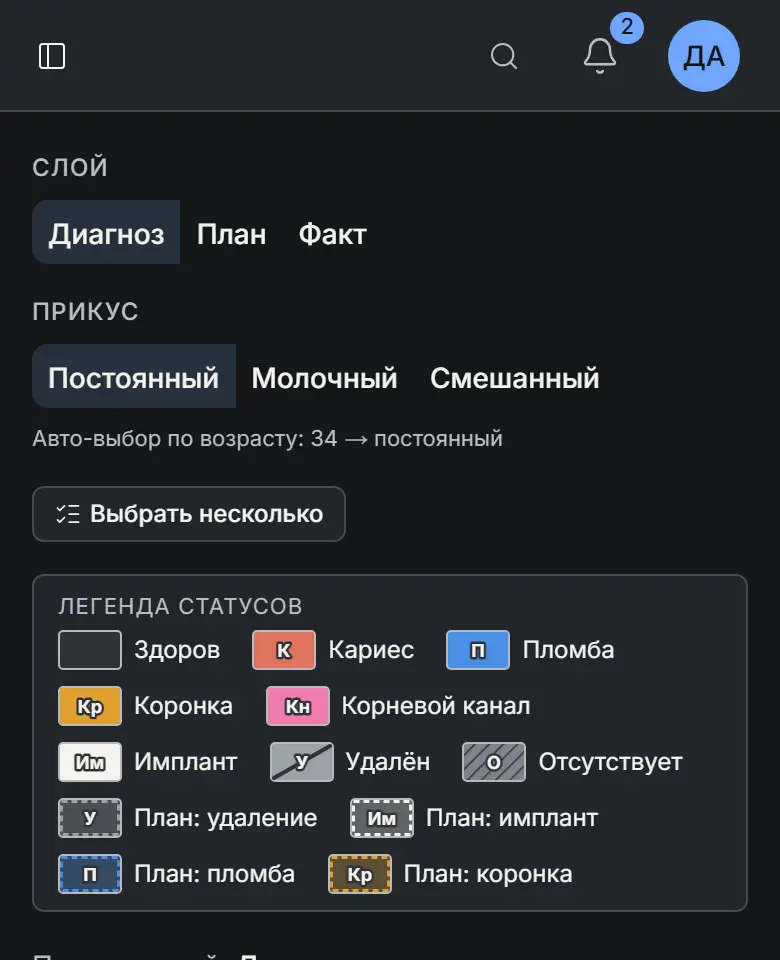
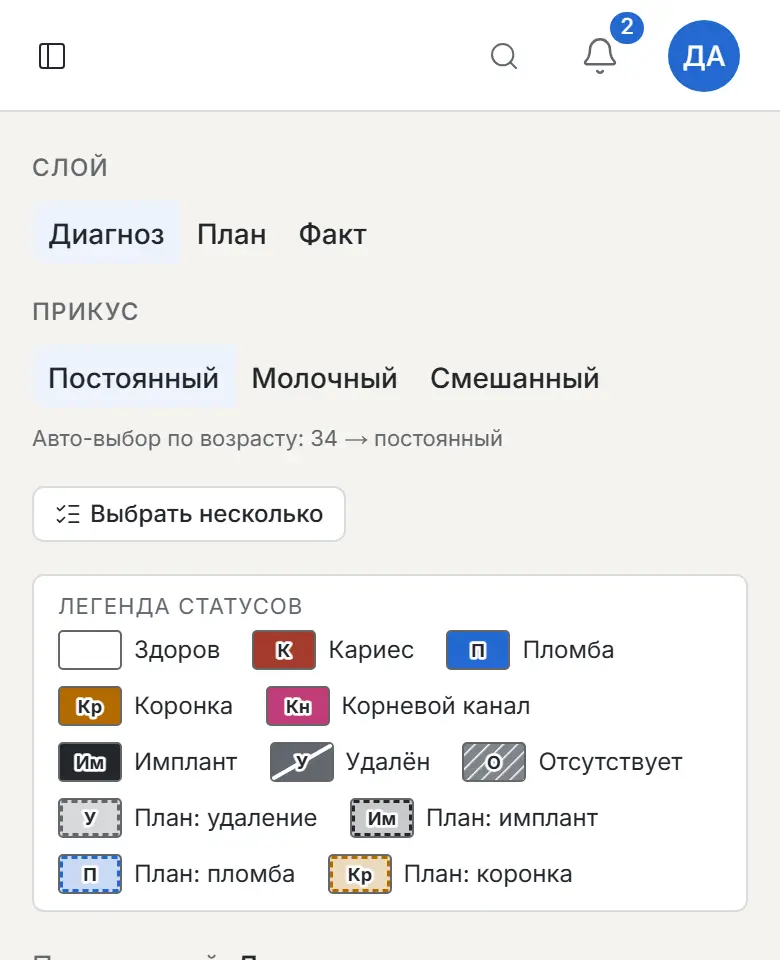
In the “Odontogram” tab of the patient card, the doctor records the state of every tooth in three layers: diagnosis, plan and done. Next to it are treatment plans with items per tooth and their cost, so the patient sees what is ahead and for how much.
On the screen
What it does
- “Diagnosis”, “Plan” and “Done” layers — switch in one tap
- History of every tooth: what was found and what was done
- A treatment plan per tooth with the total cost
Chapter 2 of 8
A schedule without the mess
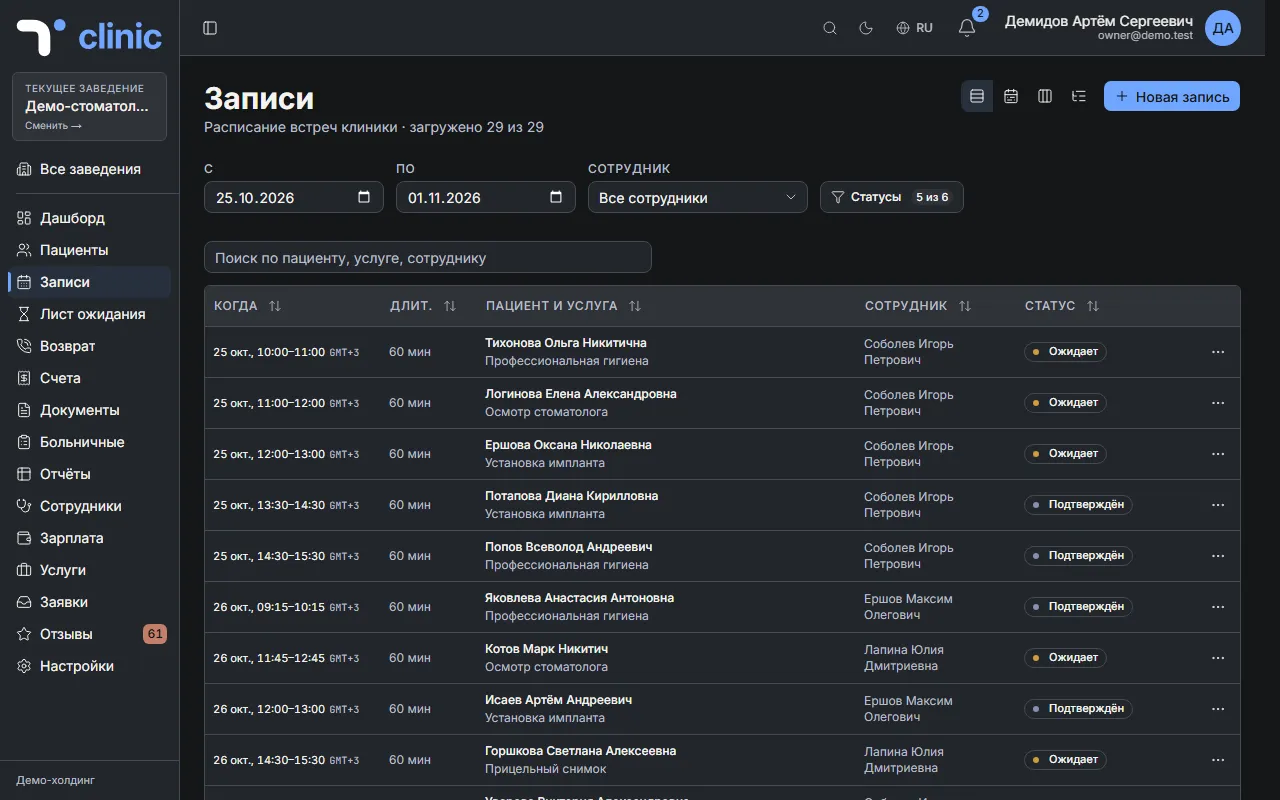
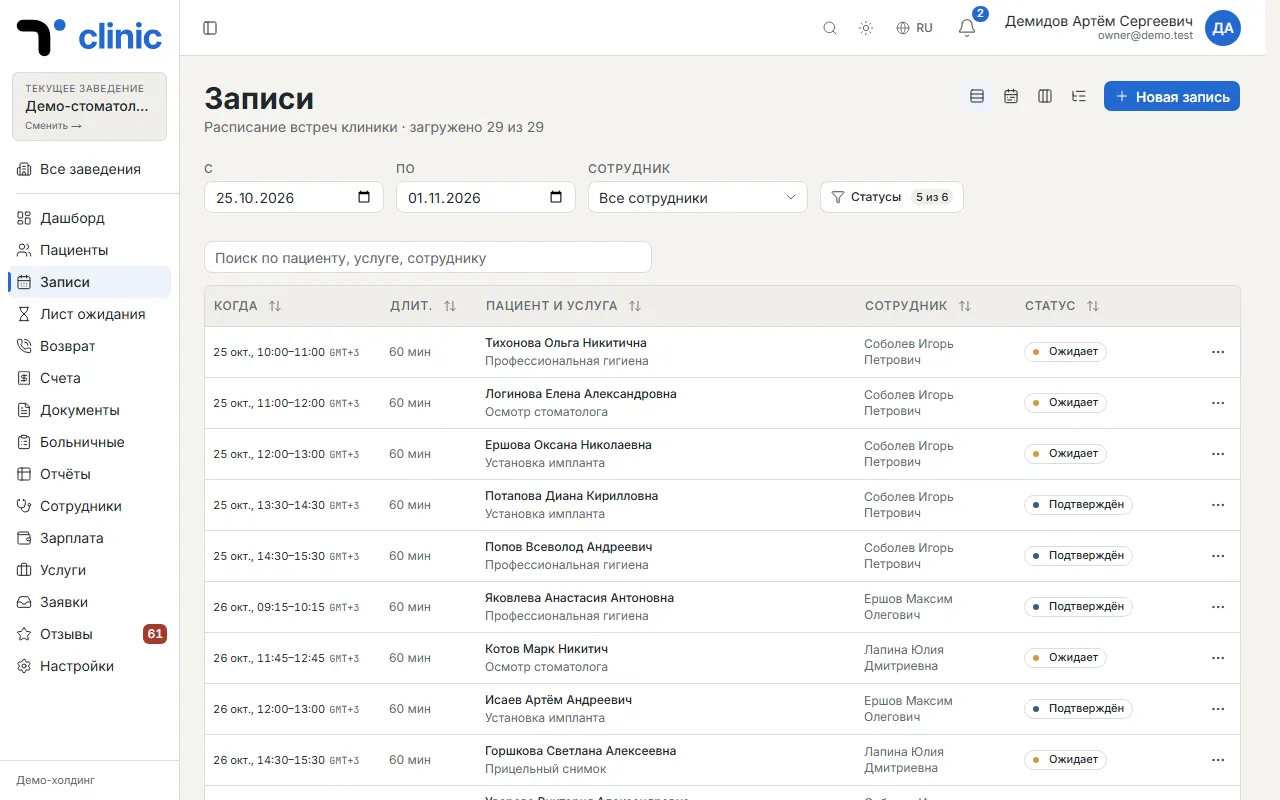
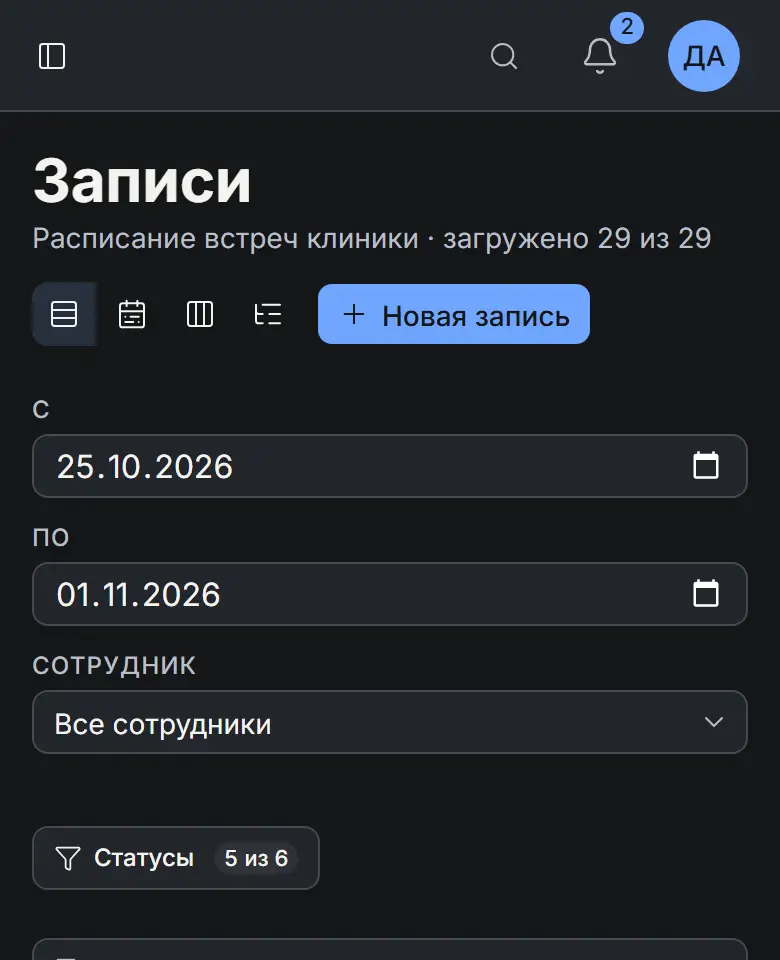
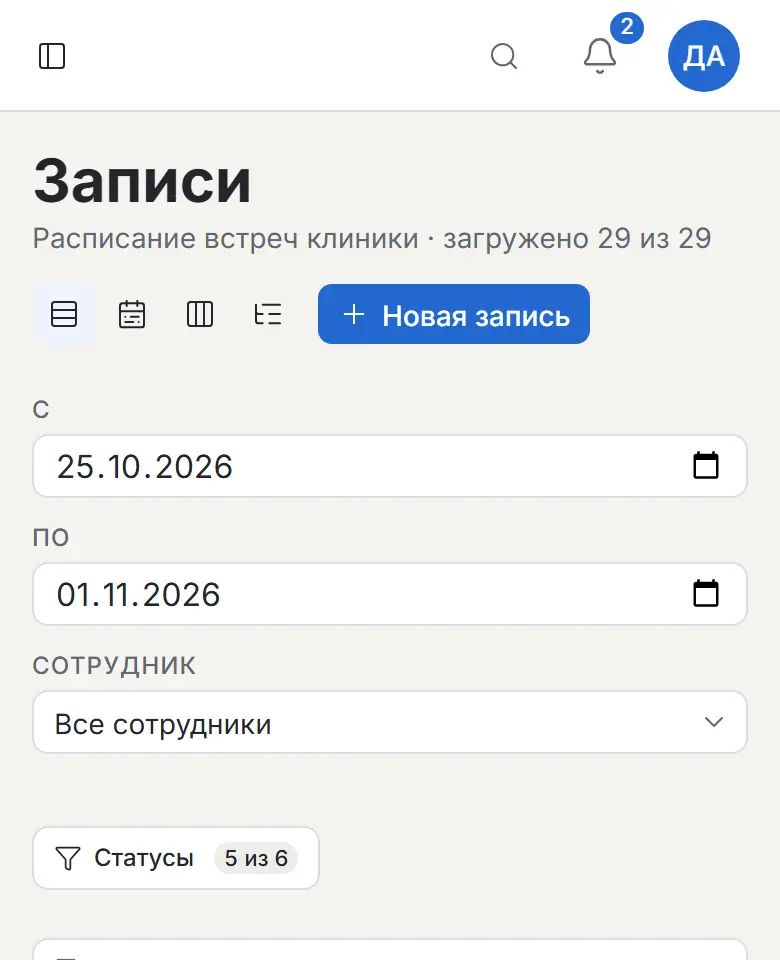
Every visit in one place: who is coming, to which doctor, for which service, and whether they confirmed. The front desk books a patient in a couple of taps, and you see how busy each doctor is on any day.
On the screen
What it does
- Four views: list, day schedule, status board and a list by day
- Visit status and a reminder to the patient before the visit
- Waitlist: when a slot frees up, take a patient from the queue
Chapter 3 of 8
Your patient base at hand
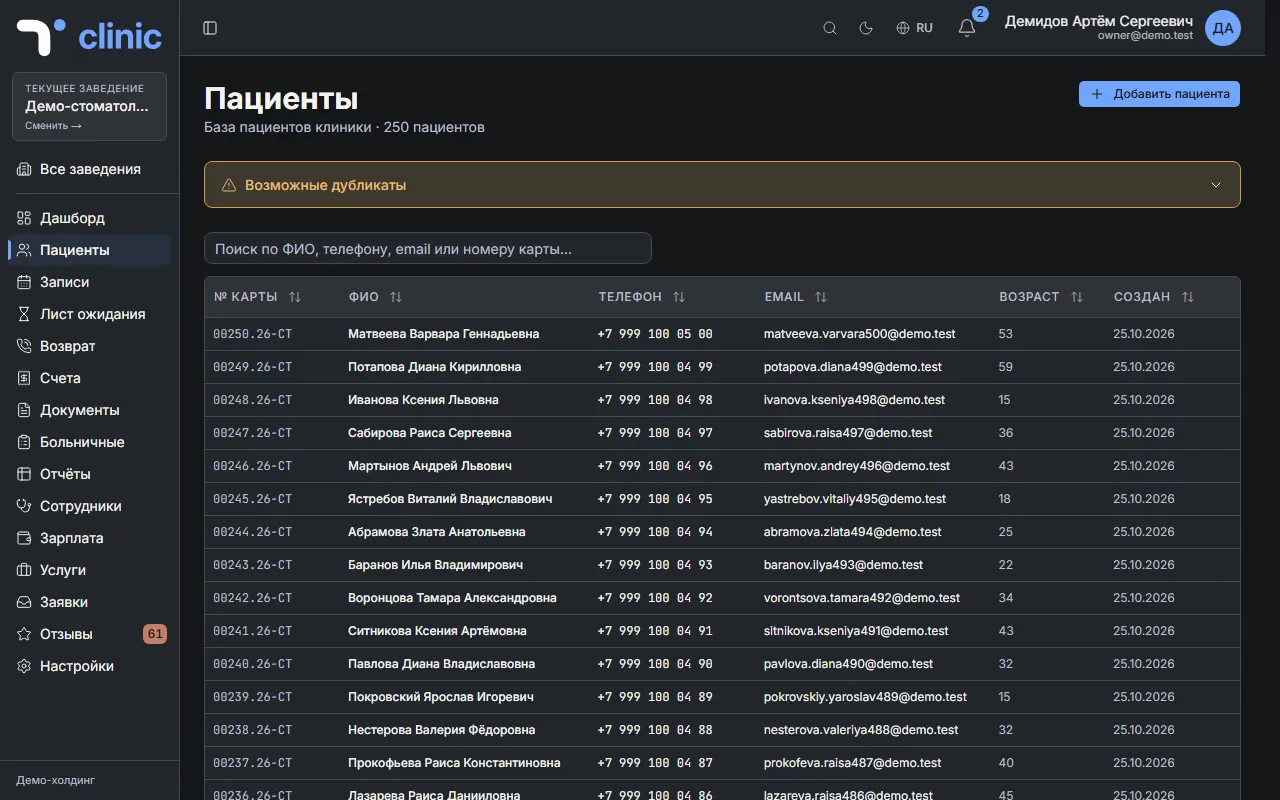
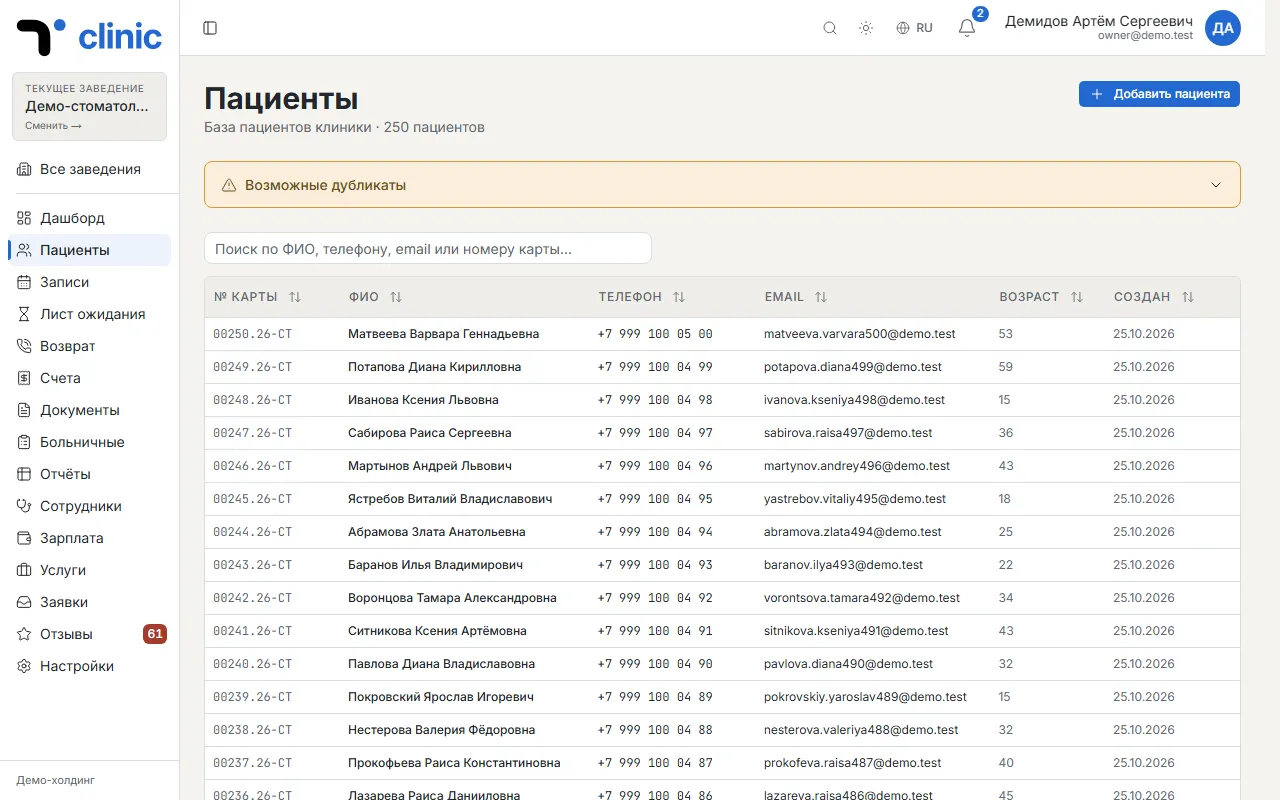
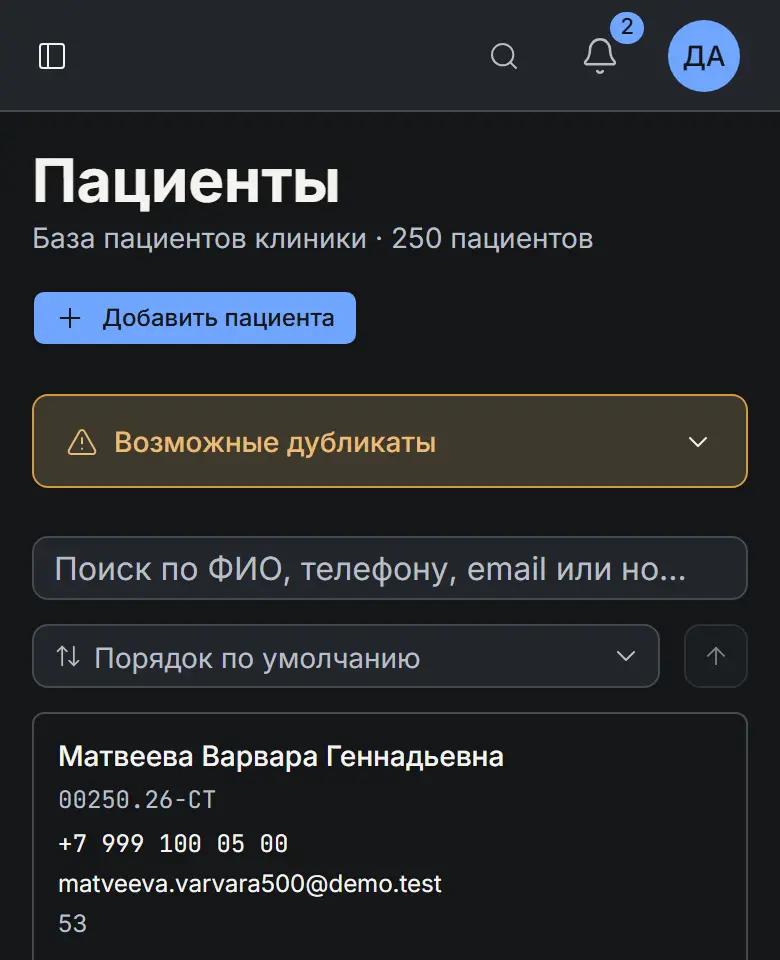
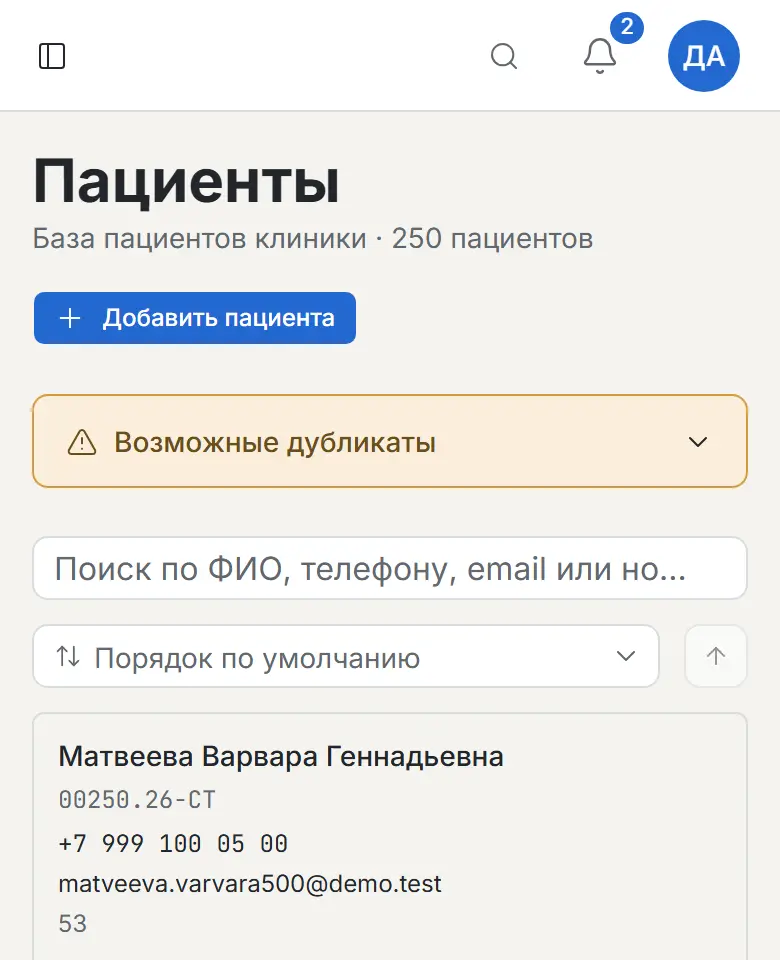
The patient card brings everything together: contacts, visit history, medical record and dental chart, invoices, documents and points. Find anyone by name, phone or card number.
On the screen
What it does
- Medical record and dental chart right in the card
- Search by name, phone, email and card number
- Possible duplicates are flagged — the base stays clean
Chapter 4 of 8
Money under control
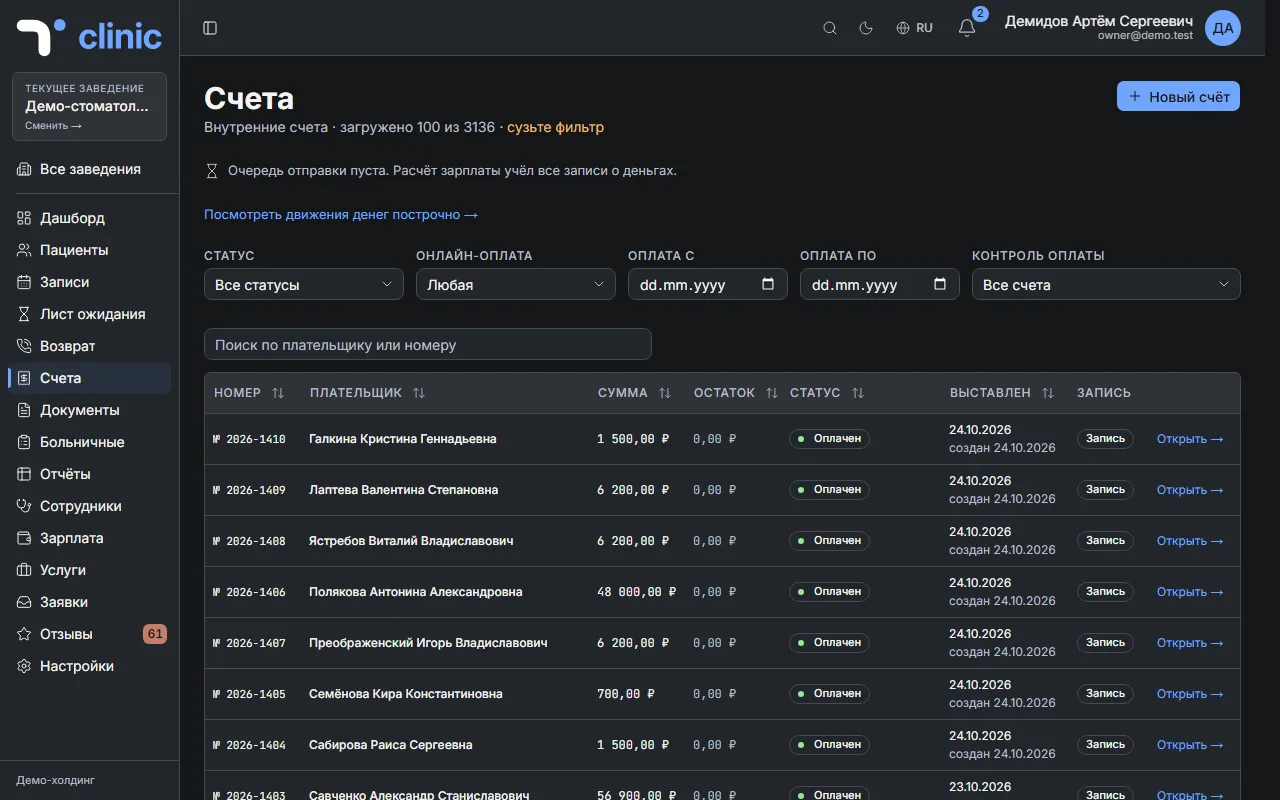
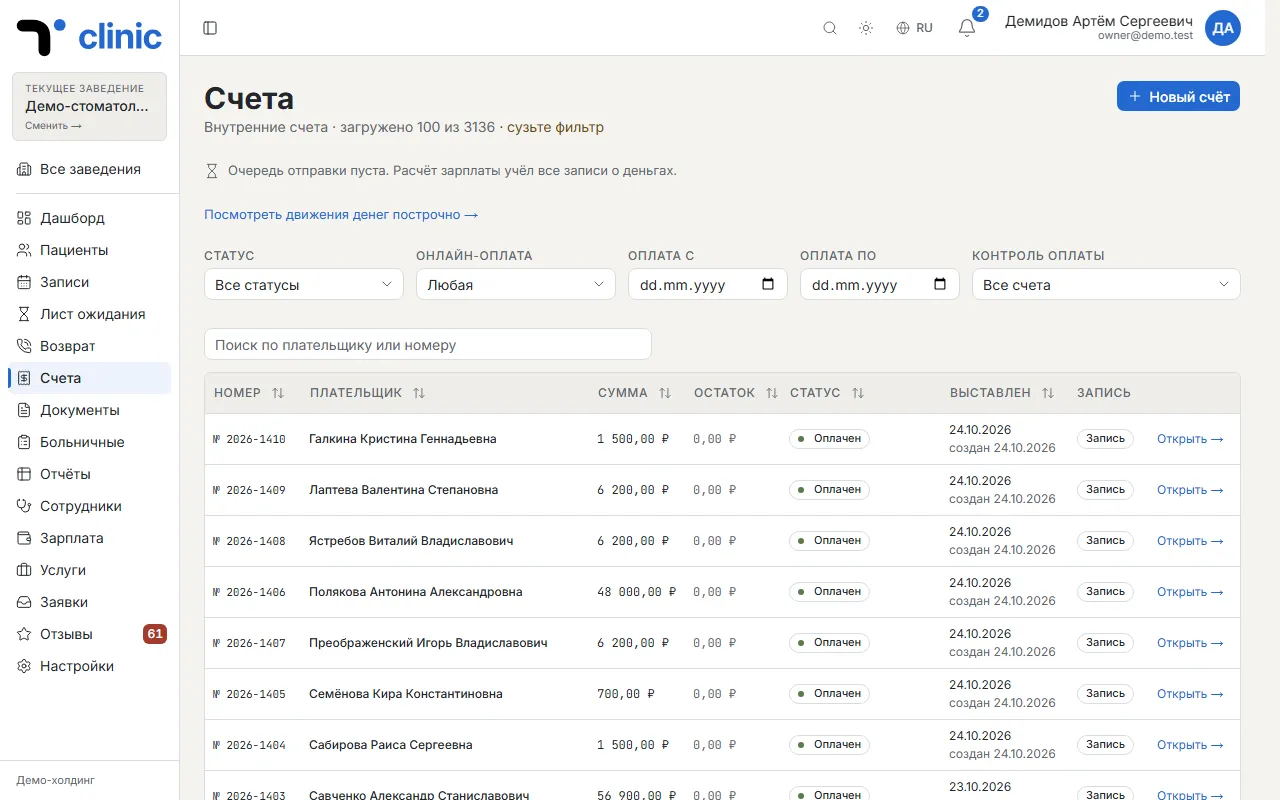
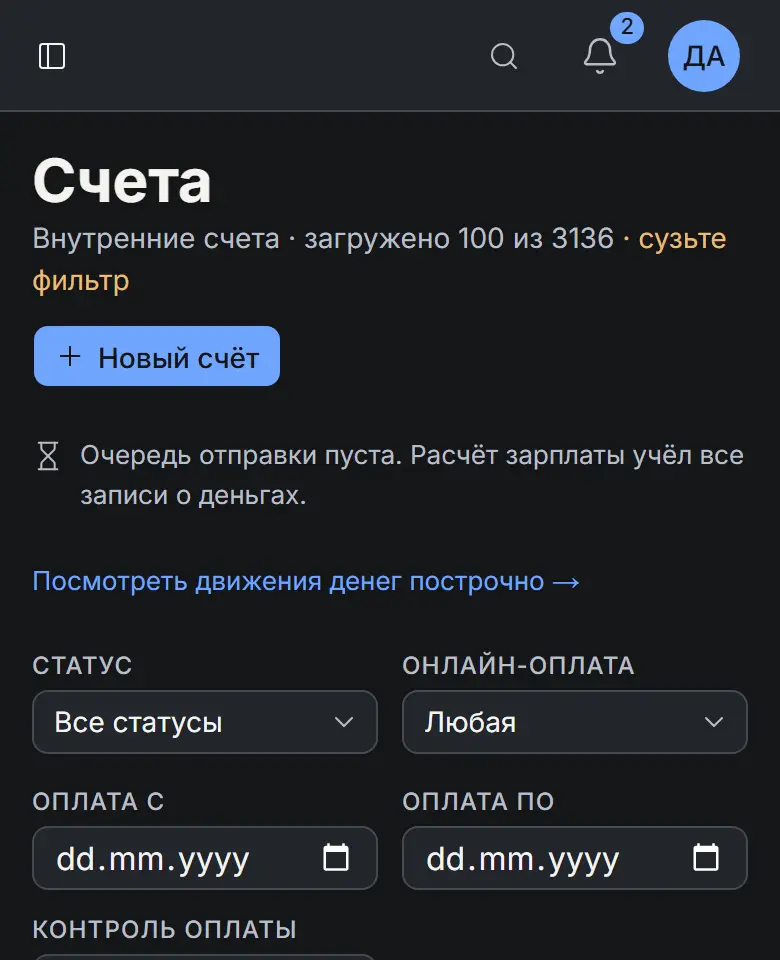
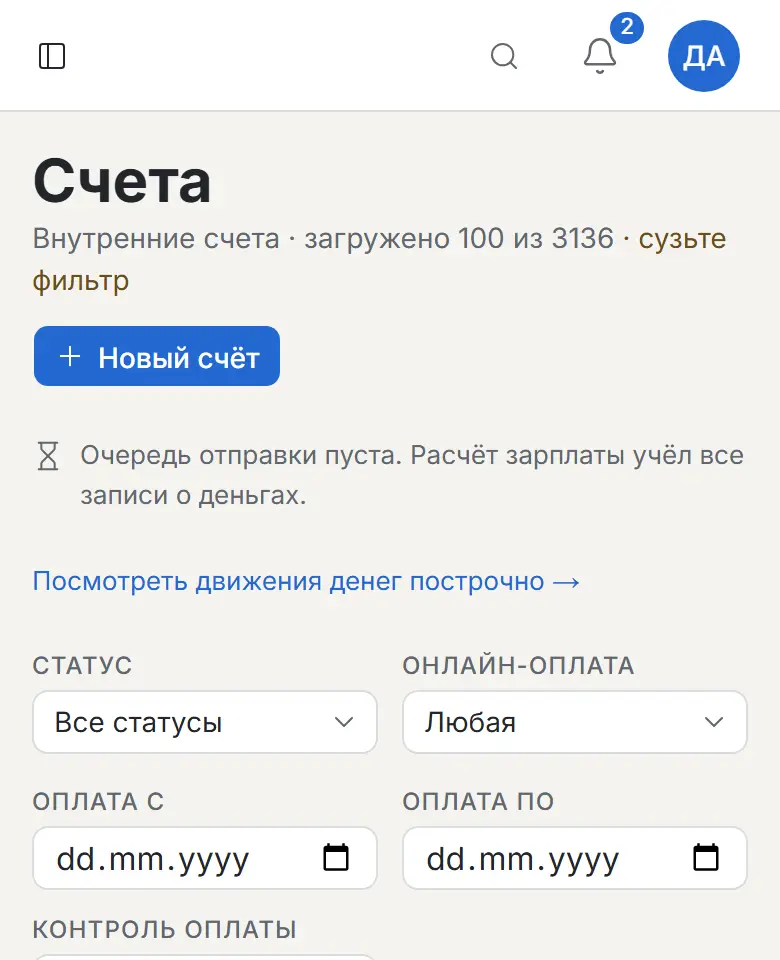
An invoice is built from the price list — right here or from an appointment, and then it is tied to the visit. You see what is paid, what is due and where a refund happened. A payment awards the patient loyalty points on its own, and doctors' pay is calculated from payments.
On the screen
What it does
- An invoice from the price list in a minute; from an appointment — linked to the visit
- Payments, partial payments and refunds
- Cash, card terminal and bank transfer
Chapter 5 of 8
Patients come back
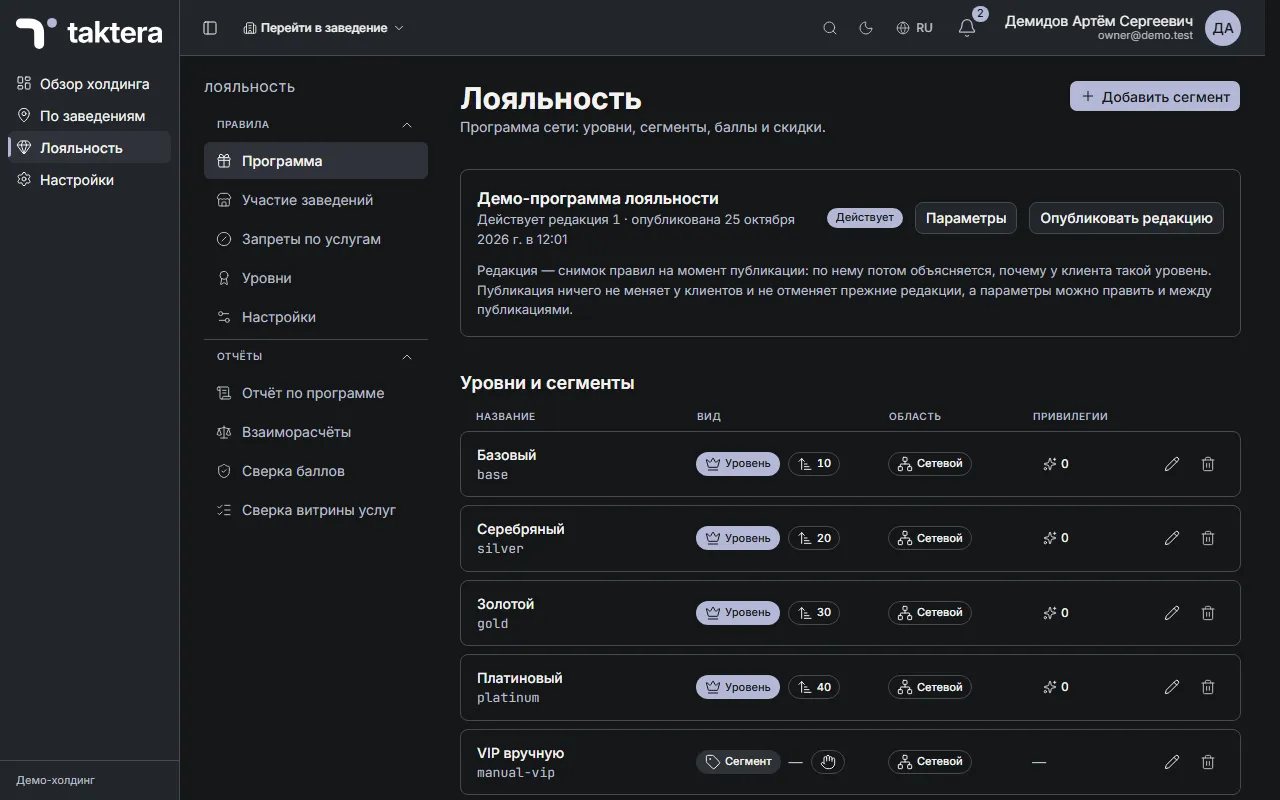
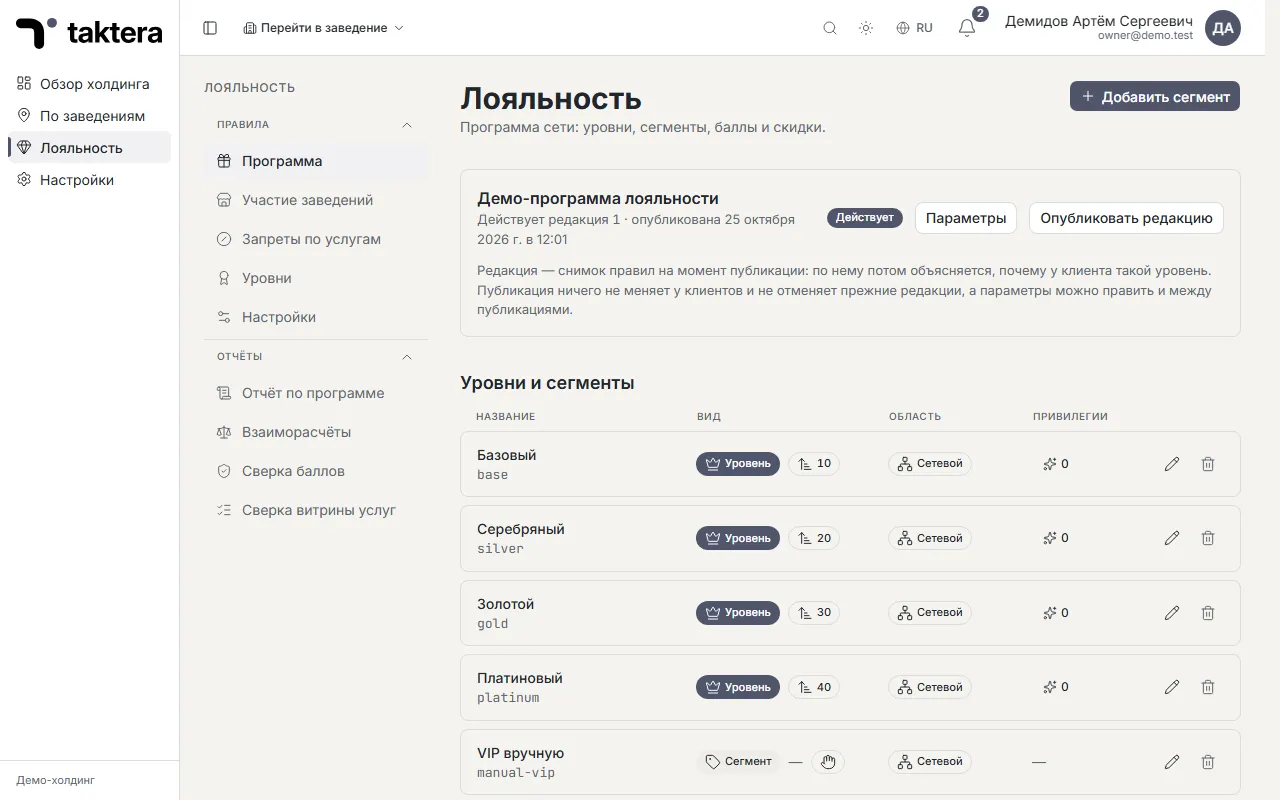
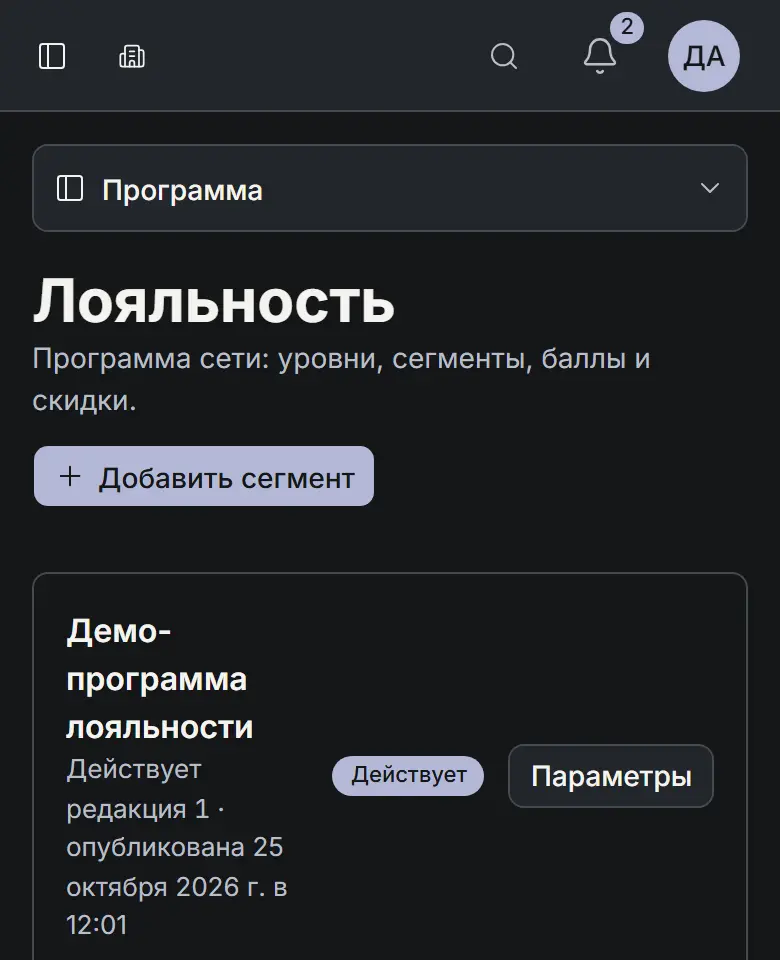
The loyalty programme awards points and gives discounts by tiers you set up yourself: how many, what they are called and what they give. There is one programme per organisation — whether you run one clinic or a network — and the patient's tier is recalculated after each payment.
On the screen
What it does
- Tiers, segments and perks
- Points and discounts right in the invoice
- Programme reports and reconciliations
Chapter 6 of 8
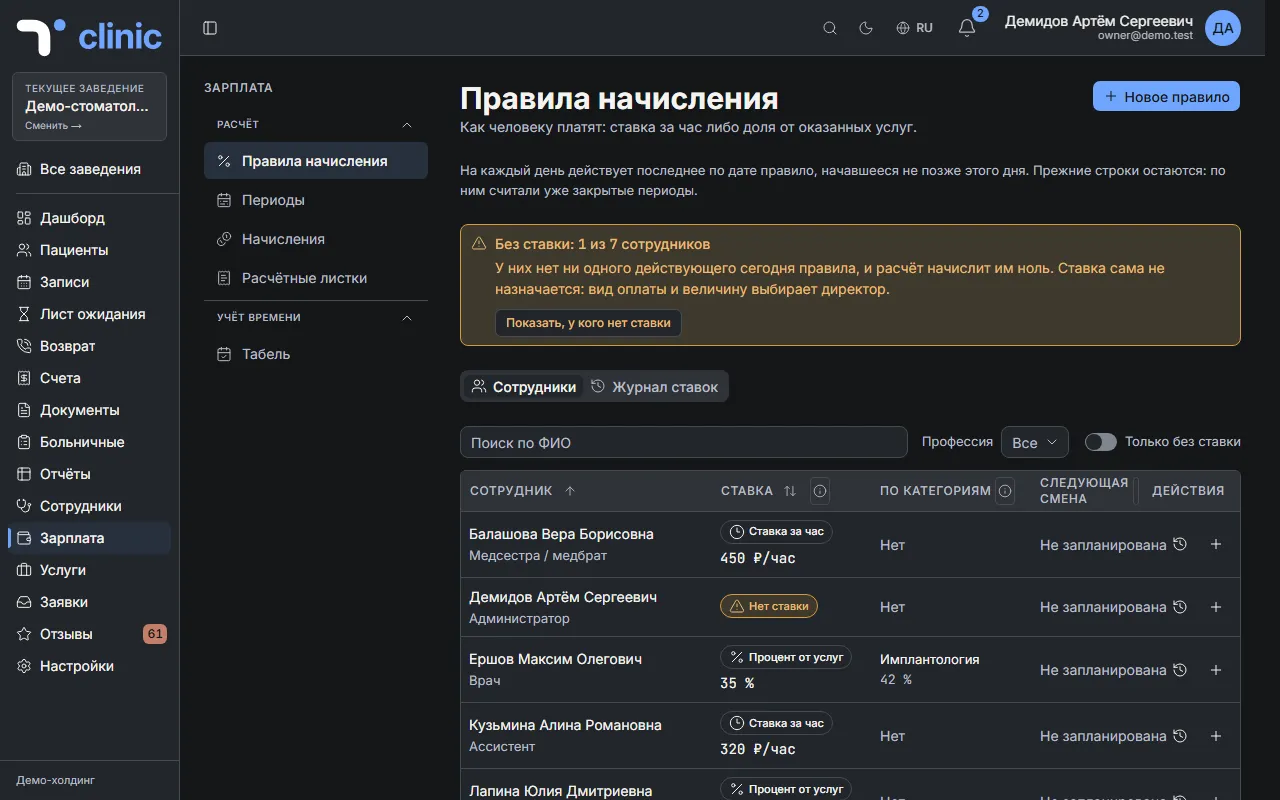
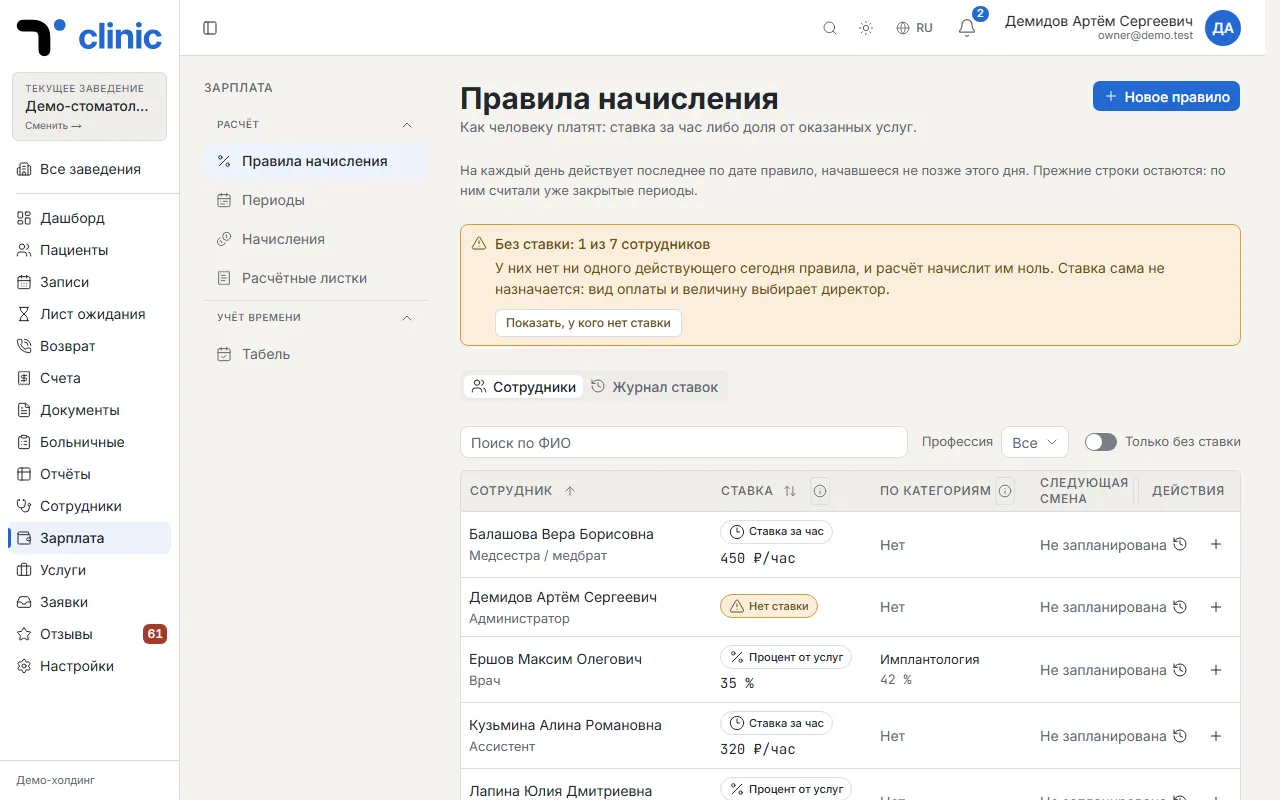
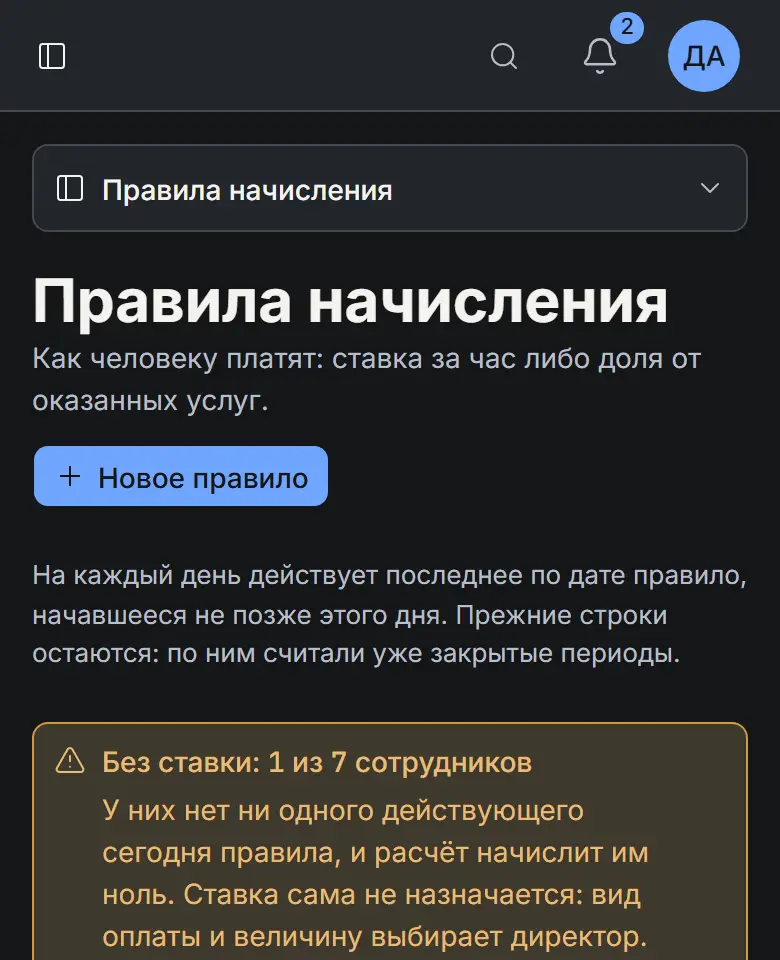
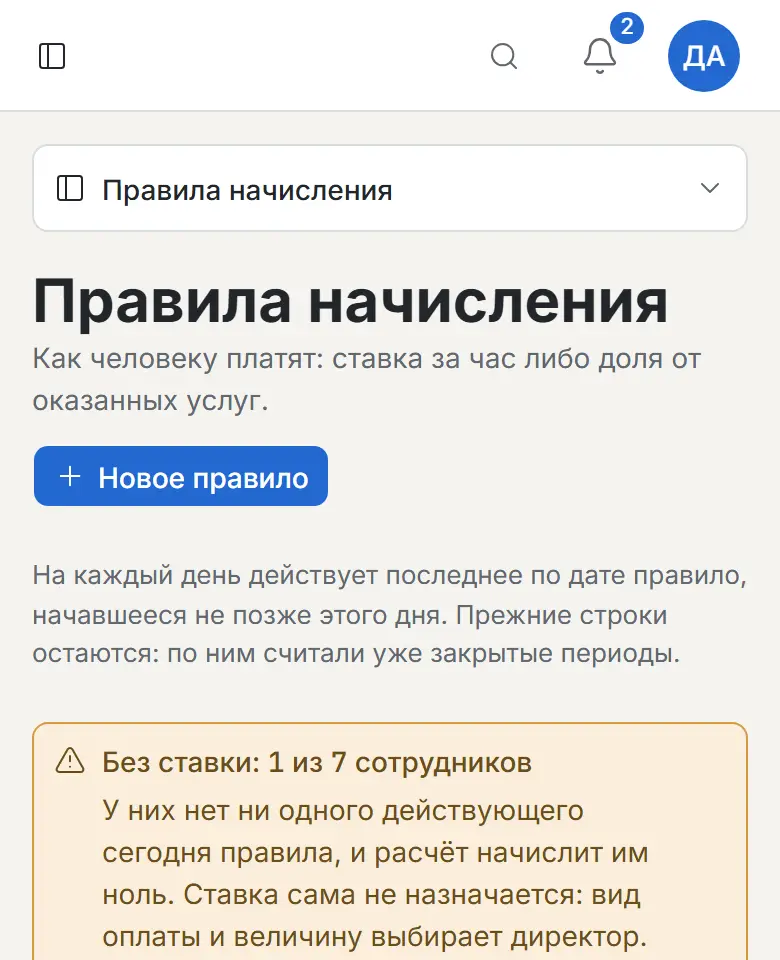
Payroll in one click
Set a rule — an hourly rate or a share of the services provided — and Taktera calculates the period's pay from payments and the timesheet in one click. Every employee gets a clear payslip.
On the screen
What it does
- A share of services (by category if needed) or an hourly rate
- Periods and accruals with every amount explained
- Payslips for every employee
Chapter 7 of 8
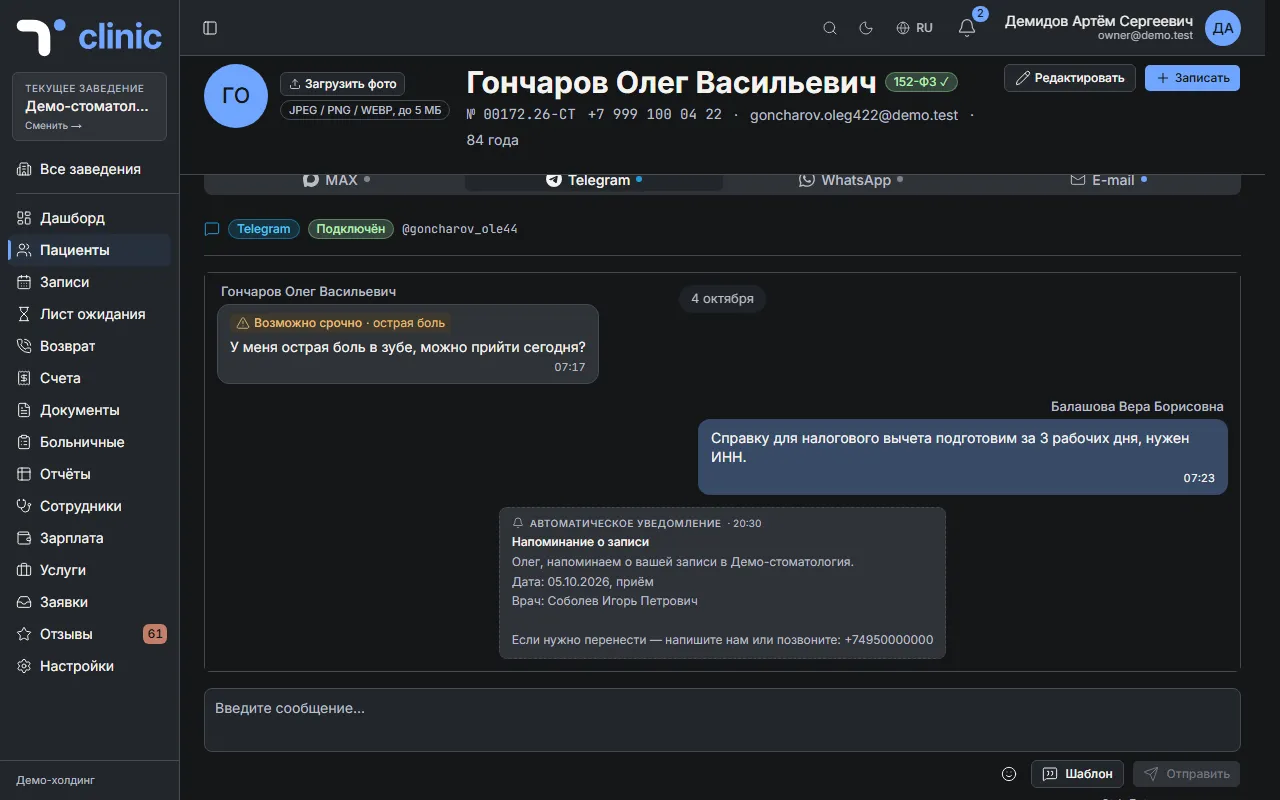
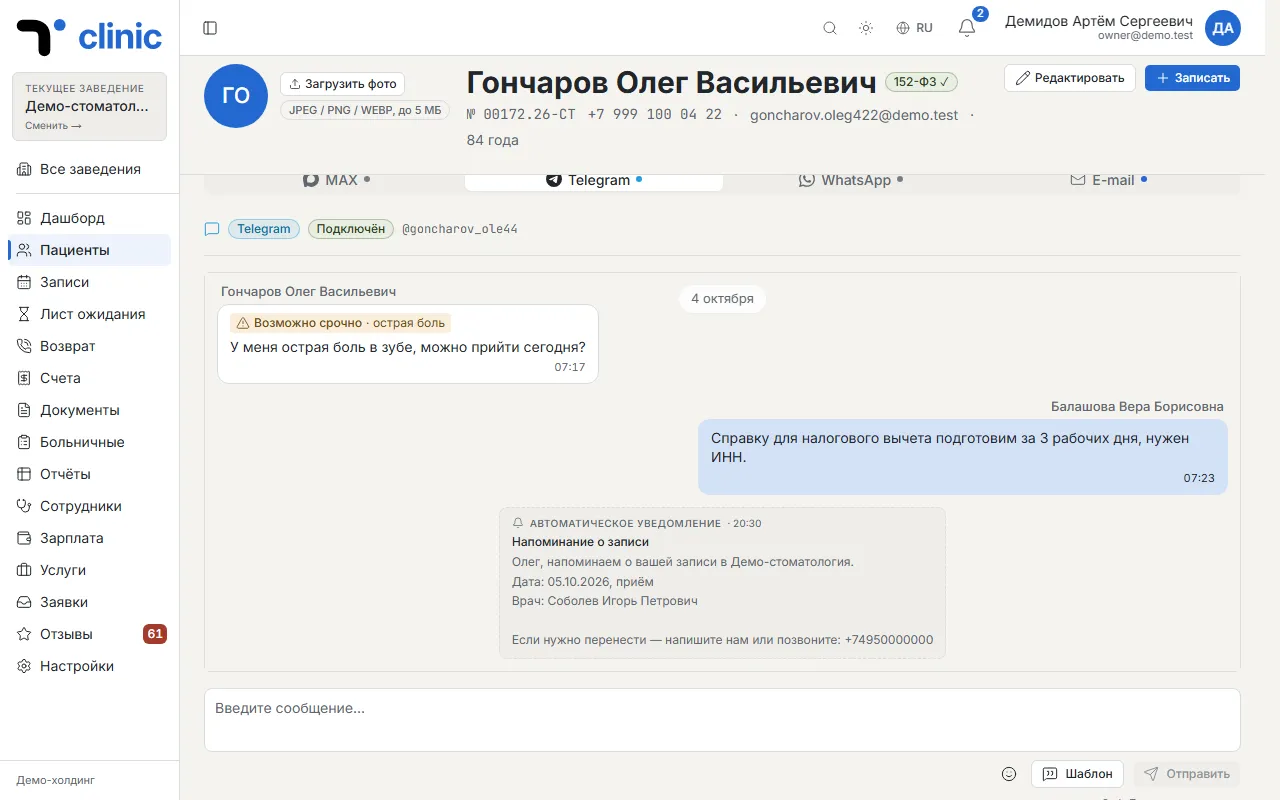
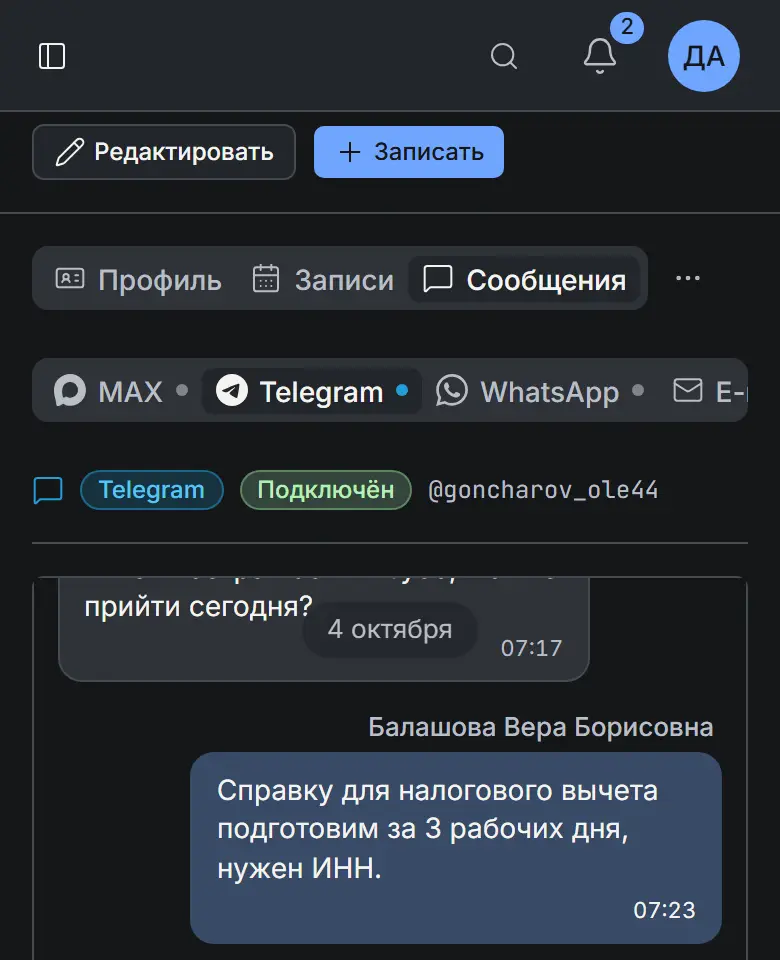
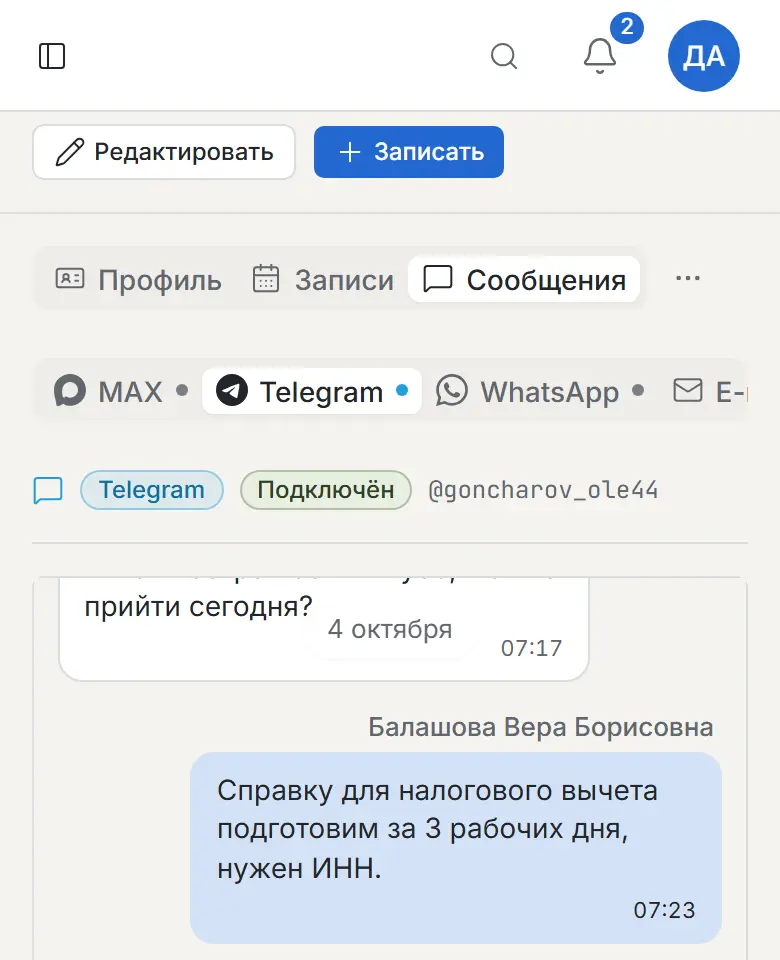
Chat with the patient from their card
The “Messages” tab of the patient card holds the conversation across all of the patient's channels: Telegram, MAX, WhatsApp and email. You can reply right there, and reply templates save time on common questions.
On the screen
What it does
- All of the patient's channels in one tab
- Invite to the MAX bot with a link in one tap
- Reply templates with the patient's name
Chapter 8 of 8
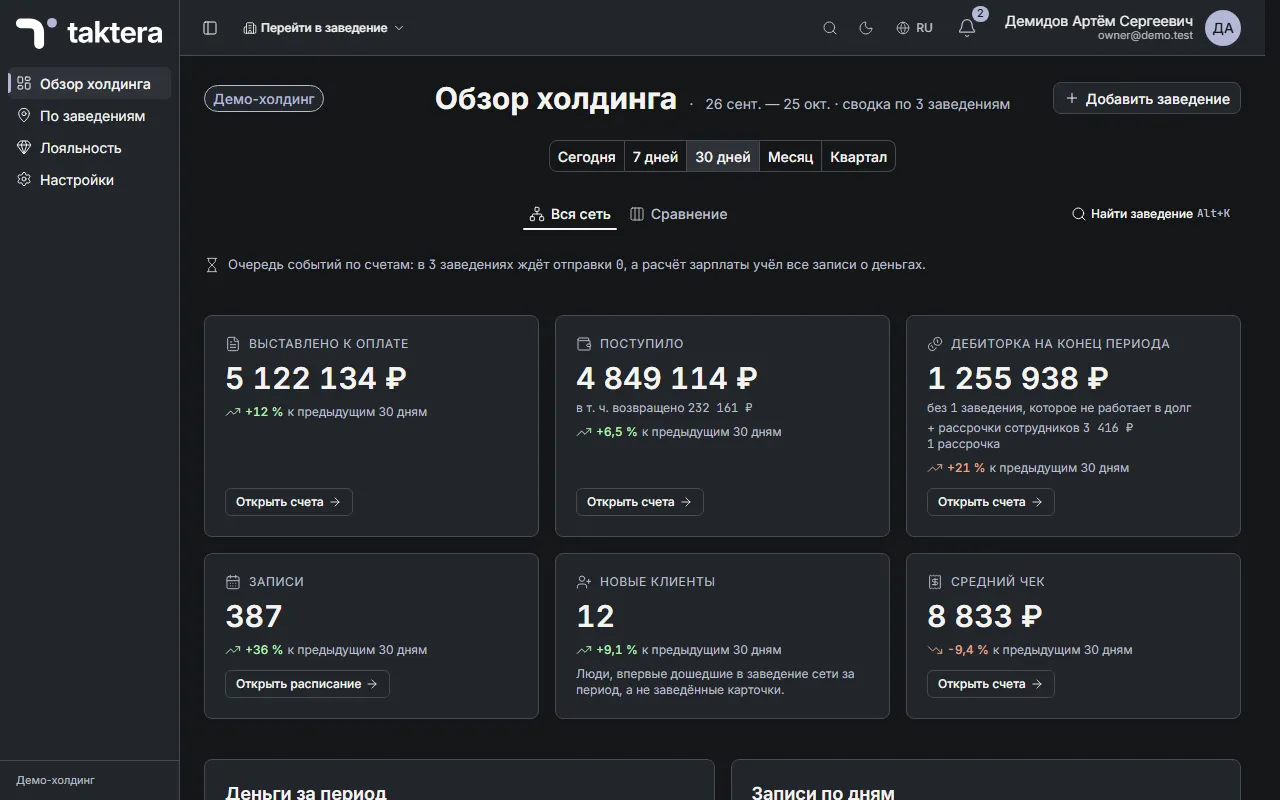
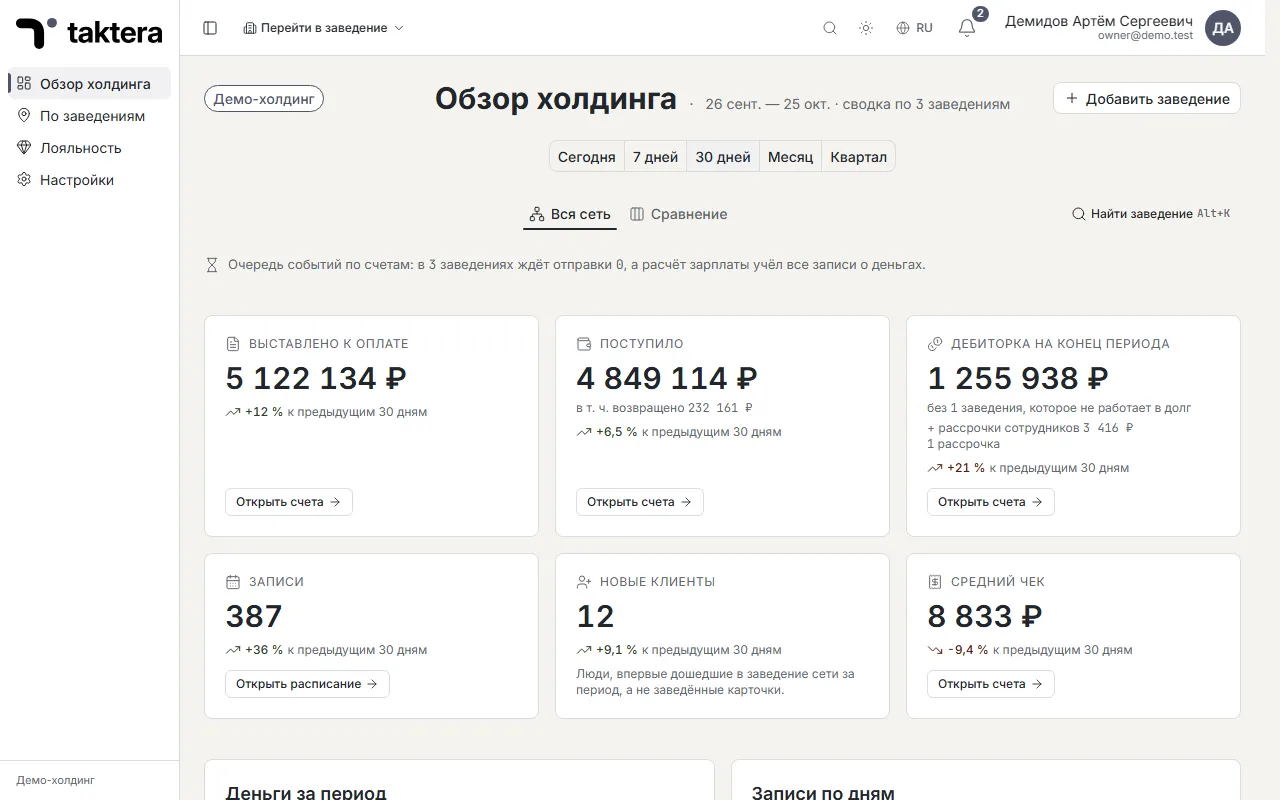
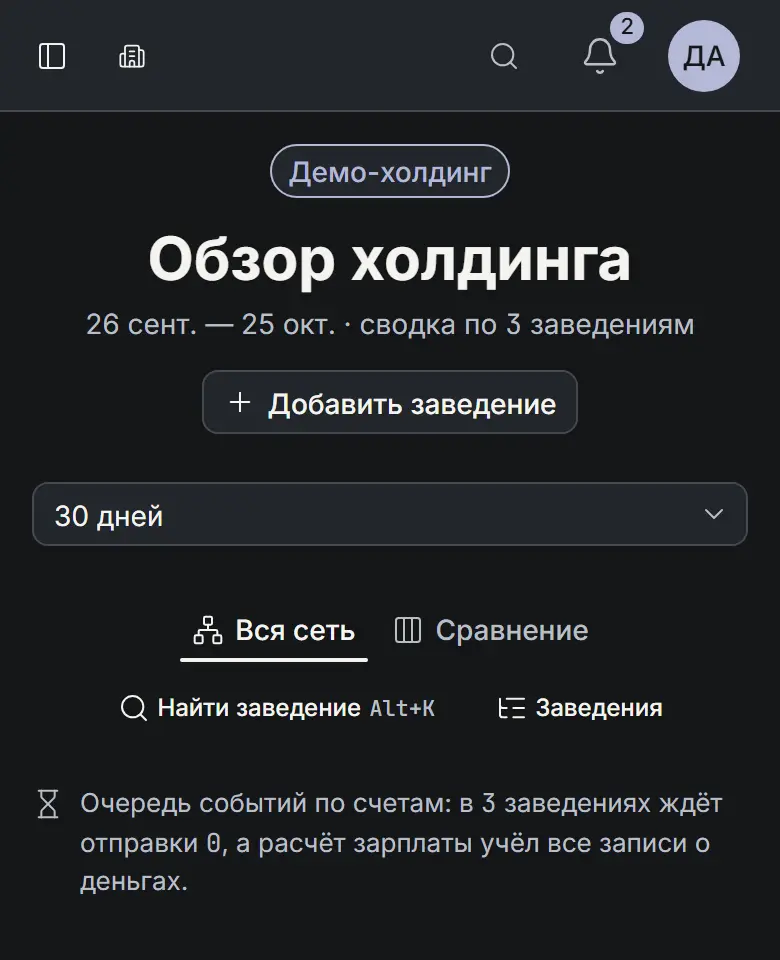
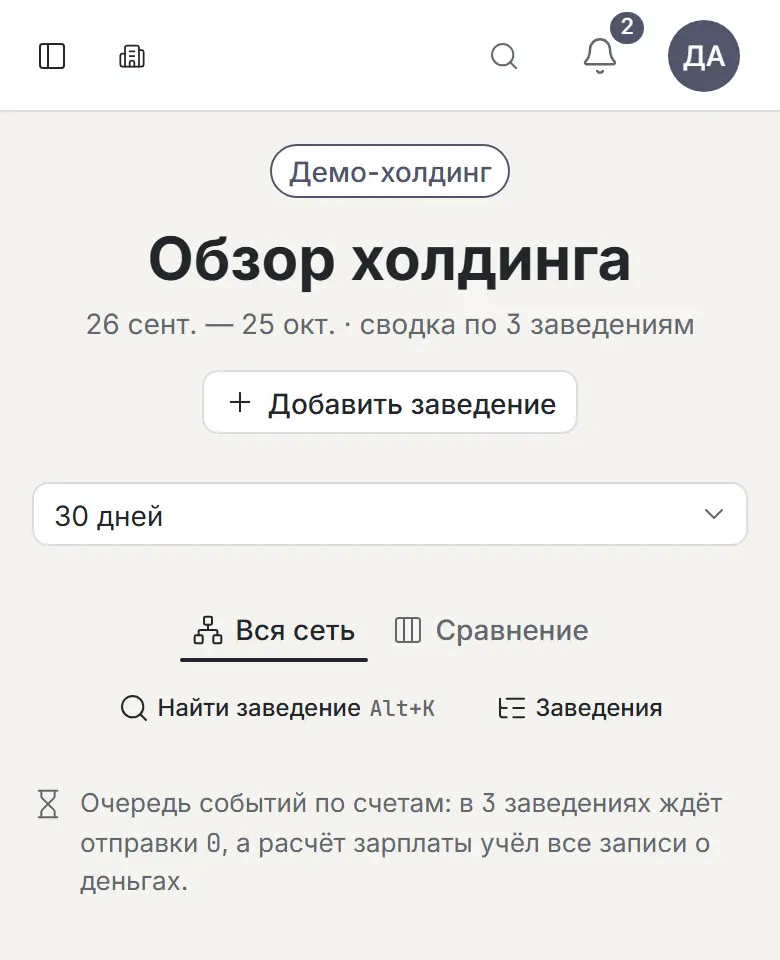
The whole network on one screen
The holding overview brings together money, appointments and workload across every clinic for the chosen period. Each figure is compared with the previous period of the same length, and “Needs attention” shows what is on fire right now and where to deal with it. Every clinic has its own dashboard with the same periods.
On the screen
What it does
- Growth or decline of every figure versus the previous period
- “Needs attention”: every row leads to where it gets resolved
- Jump to a clinic fast — search by name or a keyboard shortcut
Dental modules
Everything a clinic needs, in one system
Sections that already work in the product. Each one is linked to the appointment, the invoice and the patient card — no copying data by hand from one program to another.
Waiting list
When a slot frees up, you see whom in the queue to offer it to; the appointment is created right from the list.
Rescheduling and overlaps
Rescheduling with a history and a message to the patient; a doctor's overlapping appointments are visible at once.
Dentists' pay
Rules, timesheet, periods and payslips: every amount shows which invoice it came from.
Loyalty
Tiers, segments and points right in the invoice; the patient's tier is recalculated after payment.
Documents and signature
Consents and contracts from templates with the patient's details, signed with a finger or a cursor on screen.
Sick notes
Sick-leave certificates as a separate clinic section.
Email
Personal and shared clinic mailboxes inside Taktera; a letter can be linked to a patient or a lead.
Messages with patients
Telegram, MAX, WhatsApp and email in the patient card, with reply templates.
Team chats
Staff conversations inside the product — with reactions and animated emoji.
Reviews, surveys and leads
Post-visit surveys, moderated reviews and new patient leads in one place.
Dashboard and reports
“Needs attention”, periods and your own widget layout; reports on appointments, money and doctors.
Browser, phone, Windows
Works in the browser, on a phone and in the Windows app; search the whole product with Ctrl+K.
What's new
Latest Taktera updates
A few changes from recent releases — from the notes a clinic sees in the product: “Holding settings → Platform → Updates → What's new”.
Settings → Documents → Templates → “Edit” on a phone
Document templates can be edited on a phone too: text fitted to the screen, fields, bold and italic, lists.
Holding → Settings → Invoice payment
The holding decides which clinics take payment on credit and which in full only, and allows instalments for network staff.
Settings → Documents → Templates → “Edit” → “Table”
Full tables in the template editor: merged cells, borders, shading, column widths by mouse, repeated header rows.
Settings → Documents → Templates → “Edit” → “Picture”
Pictures in document templates: insert from a file or the clipboard, resize with handles, delete.
Settings → Documents → Templates → “Edit”
Paste from Word into the template editor: paragraphs, formatting, lists, tables and pictures.
Security and data protection
Patient data only for those who need it
What already works in Taktera to protect personal data and medical confidentiality.
Two-factor sign-in
A code from an authenticator app or a passkey on top of the password.
Passport and SNILS encrypted
Passport details, SNILS, INN and insurance data are stored in the database encrypted.
Change log
You can see who changed what and when.
Patient consents
Consent to personal data processing is kept in the patient card.
Where the platform runs
The platform runs either on your servers or on the provider's servers.
Coming to Taktera
Not just dentistry
Taktera is growing. Soon the same platform will run fitness clubs, spas, beauty salons and a travel agency — with the same booking, payments, loyalty and team.
- FitnessSoon
Memberships and group classes
- SpaSoon
Treatment packages
- Beauty salonSoon
Booking a stylist and portfolio
- Travel agencySoon
Trip search and booking
Sample screens: this is how work in the new products might look; the final design will differ
Let's talk about Taktera for your clinic's tasks
We'll answer your questions and discuss moving your data from your current software.